Prismea began with a product that had not yet found its centre of gravity.
A sample-management app existed, and its value was not landing clearly with prospective customers. The question was larger than interface design: what laboratory problem the product was really solving, who needed it, and what would make it credible inside high-stakes research environments.
Where the product stood
I started by walking through the existing app as a new user would, from sign-up to the first samples in storage. The issues were individually small and collectively telling. The app created a box on the user’s behalf and asked them to rename it later. It filled the storage list with placeholders, Location 1 to Location 4, before anyone had said where their freezers were. Check out was offered before anything had been checked in. Adding a box without a photo did nothing, with no message to say why. Each of these asked people to work in the product’s terms before the product had learned theirs.
Underneath the details sat a question of model. The interface gave most of its weight to the user and the box. Researchers think first about the sample: what it is, where it is, and who has it. Rebuilding the hierarchy around the sample put everything else in place. A sample sits in a box, and the box in a location. When it is checked out, it is with a person, at their bench.
Scroll sideways to see the whole drawing.
What the market was doing
I reviewed eight established players in depth, among them Mosaic, Freezerworks, Labguru, LabKey, eLabNext and Benchling, and a dozen more at a glance. Most were broad suites, modular or all in one, shaped for institutions. Several sold basic actions, such as checking a sample out, importing in bulk or tracking lineage, as add-on modules. One offered configurable homepages made of tiles, probably to tame an overwhelming menu.
Some of their conventions were worth keeping: storage shared with the team by default and private only when marked, a way to find free space, and an audit trail for every movement. The opening was a tool that one researcher could adopt alone and a team could grow into.
The first hour
If adoption would start with one person, the first hour mattered more than any feature. I mapped it around a researcher, Leyla, who arrives with a reason: a push from her PI, a sample lost once too often, an afternoon spent finding one for a colleague, or a wait for something stuck in the communal fridge.
The flow asks her to describe her lab first, adding the freezers, fridges and shelves she actually uses. It is quick and concrete, and it replaces the placeholders the old app invented on her behalf. By the end, enough of her lab is in the product that it has become hers, and she is unlikely to drop it on a whim. From there she can check samples in, or invite colleagues into storage she has already set up.
Scroll sideways to see the whole drawing.
What the interface had to show
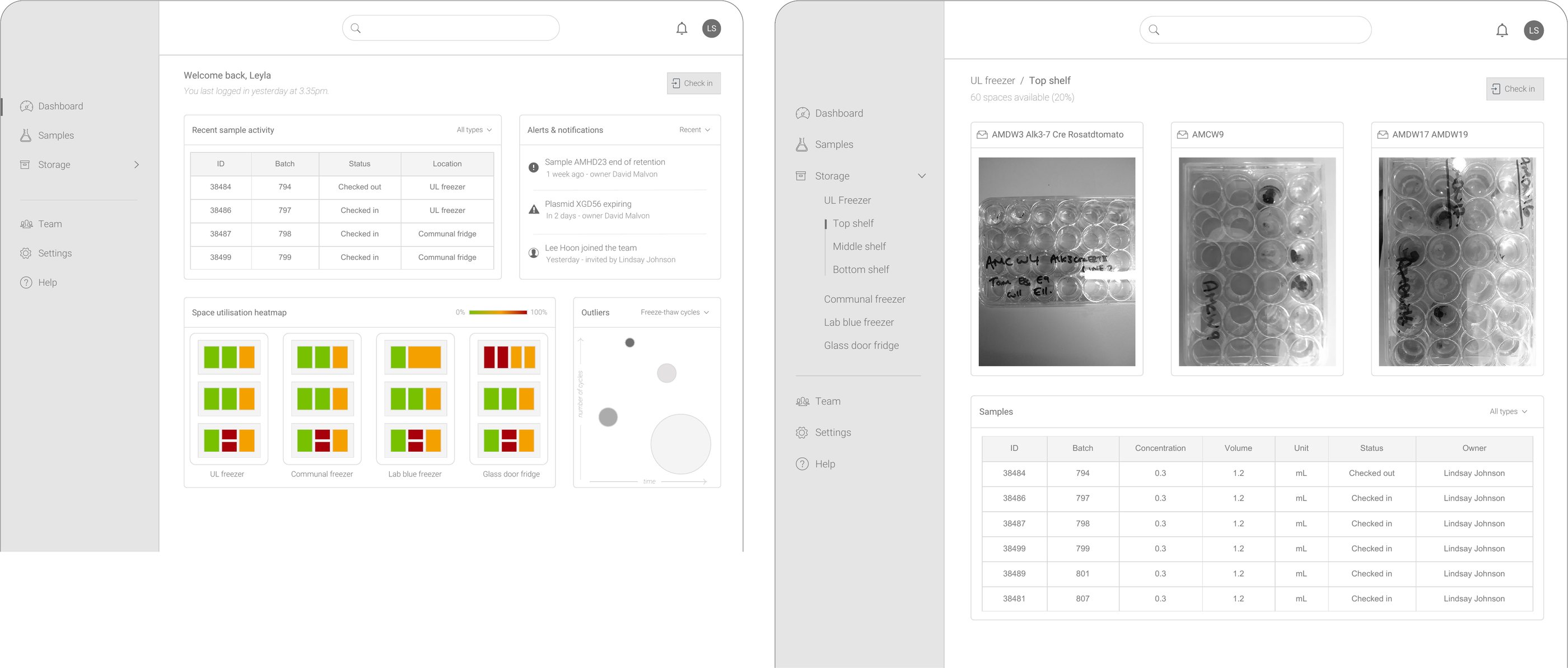
The wireframes kept the sample at the centre of every screen. The dashboard shows what has moved recently and what needs attention, such as a sample reaching the end of its retention period or a plasmid about to expire. It shows how full each storage unit is, and which samples have been through too many freeze-thaw cycles. A first-time dashboard says plainly what to do next.
In storage, boxes appear as photographs. A lab box is recognised by its handwritten label long before anyone reads an ID, so the photo does the work of the label.
Designing for extreme conditions
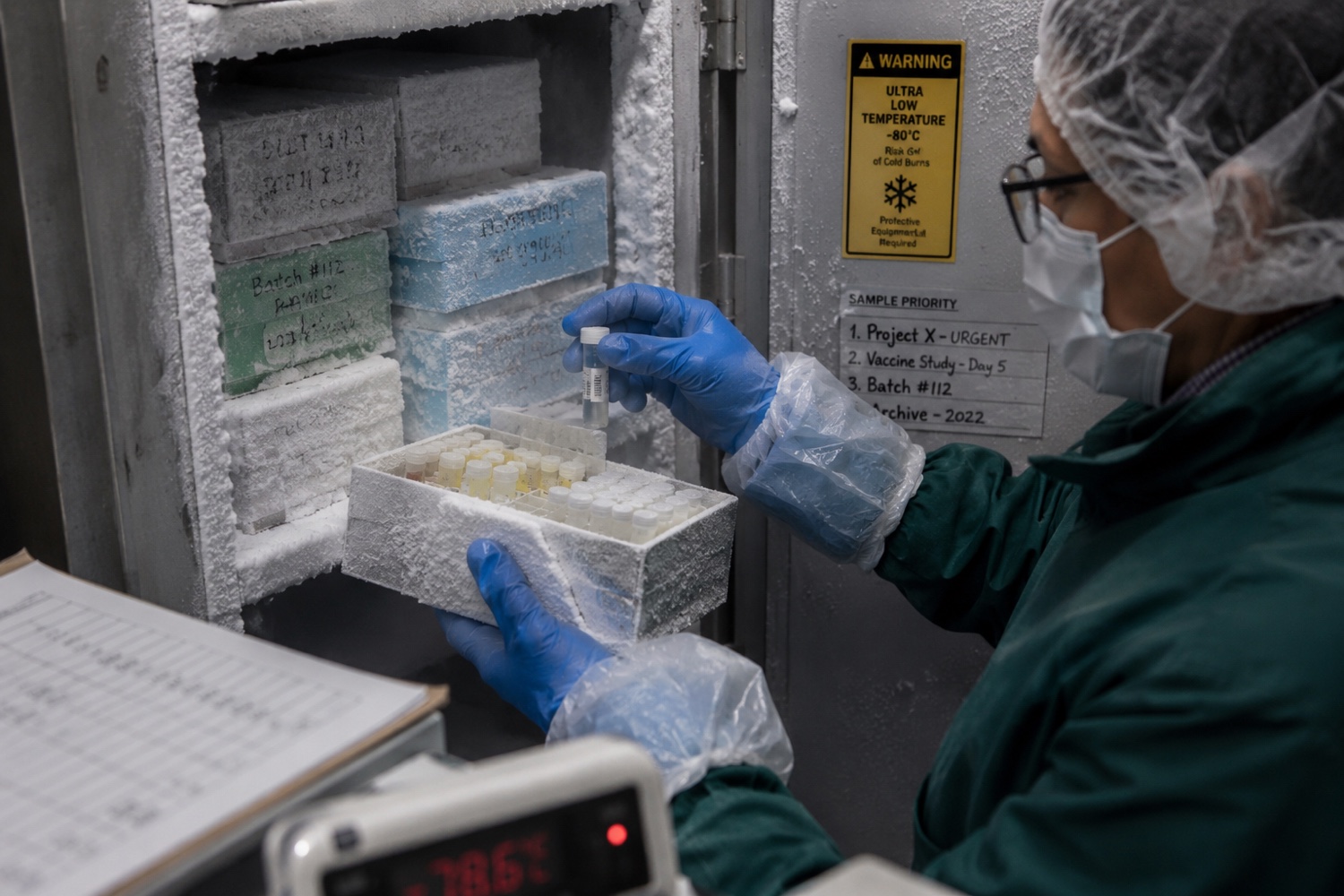
One question sharpened the whole project:
How would someone doing an inventory of a -40°C freezer conveniently use this product?
It judged the interface against the physical reality of laboratory use: gloves, time pressure, cold, partial attention, and the need for the right information at the right moment.
The resulting principles were simple and demanding: signal over noise, contextual content, clear flows, and an interface that supports different roles without asking people to carry the complexity themselves.
The model underneath the work
Laboratories do more than store samples. They run projects for clients, in steps such as goods in and sequencing, carried out through protocols that act on groups of samples. The relationships are what make this hard. A protocol can serve many projects, a group can pass through many protocols, a single sample can be linked to a protocol directly, and a failed quality check sends samples back through a step they have already passed.
I drew the model and then walked real cases through it: a sequencing project for one client split across a site in France and another in the UK, and the next quarter’s project opening once the first had been invoiced. One picture gave the whole team the same account to build from.
Scroll sideways to see the whole drawing.
What was designed
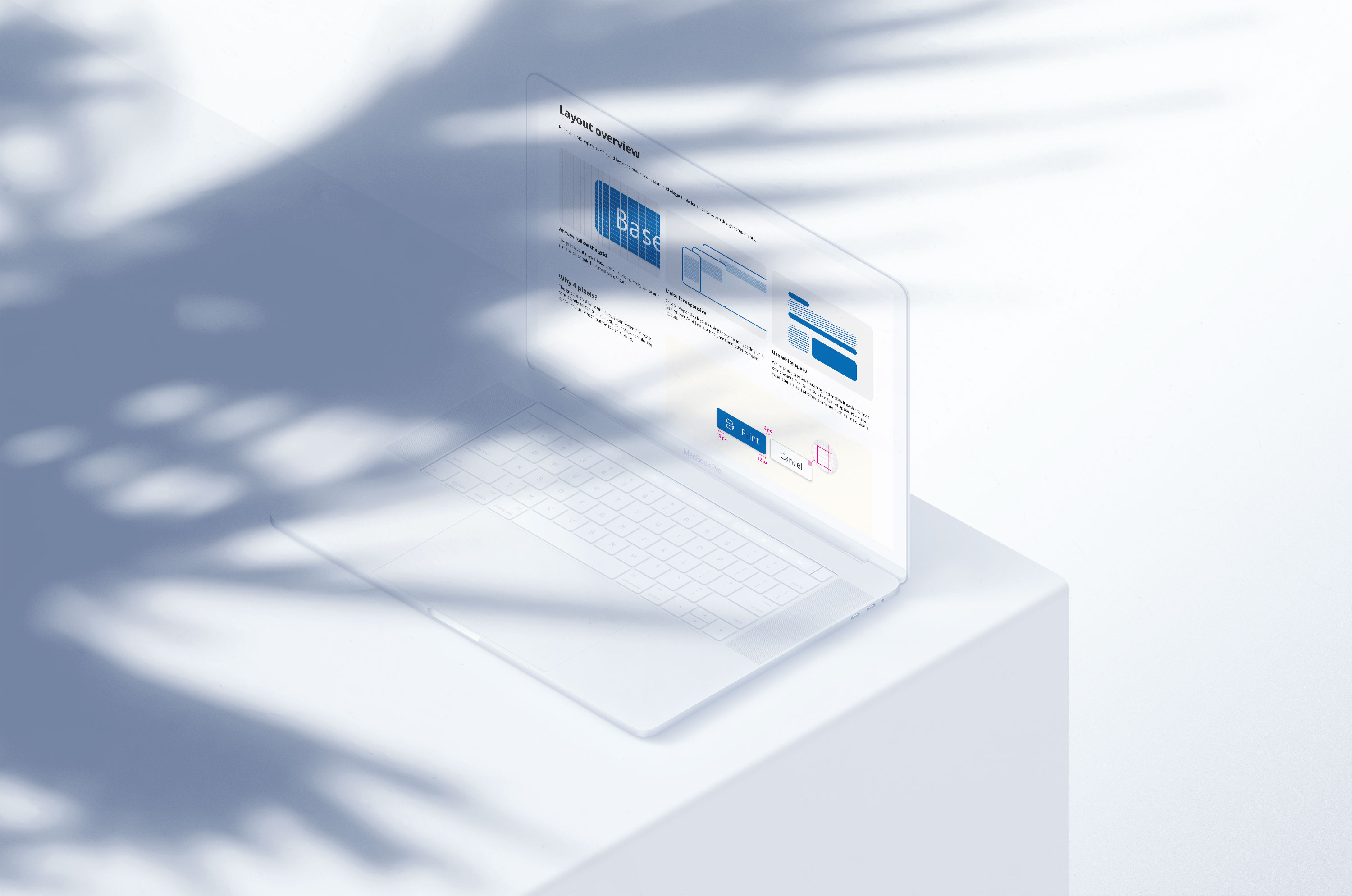
The project produced a clearer product strategy, a responsive web application, a Figma and Tailwind design system, and a tailored client onboarding programme. The design system helped a small engineering team move quickly while keeping the experience coherent.

The system was shaped around reuse, role-based clarity, and practical implementation, giving the team enough structure to build fast without trapping the product in premature complexity.
What held
The product’s reception exceeded expectations, with increased adoption and recommendations from medical and health professionals. The CEO described the work as moving “from helping with vision, strategy, down to the pixels and our design system.”

That range is what held: product strategy, research, interface detail, design-system foundations and implementation, treated as one connected system.
What it taught
A product strategy becomes real when it survives the smallest interaction in the hardest conditions.